There are many settings to customize your Launcher:
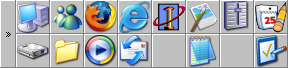
Plain and simple without any skin.
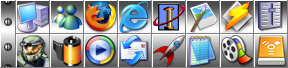
Much more attractive with a Steel skin.
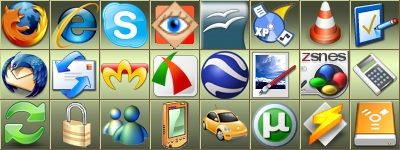
The icon size here is 48 x 48 pixels with a slightly tinted background.
There is no toggle button visible for the different pages.

Frameless with a custom background image.
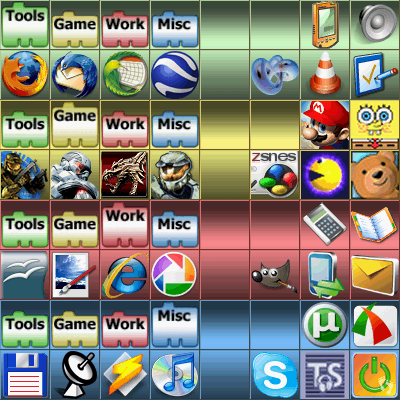
Icons can be grouped for a better overview.
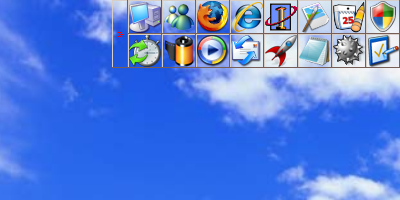
A transparent Launcher. (frames are drawn)
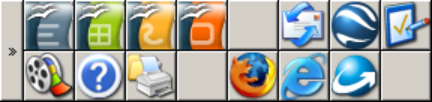
The window size can be changed freely.
The zoom level in this example is set to 150%.
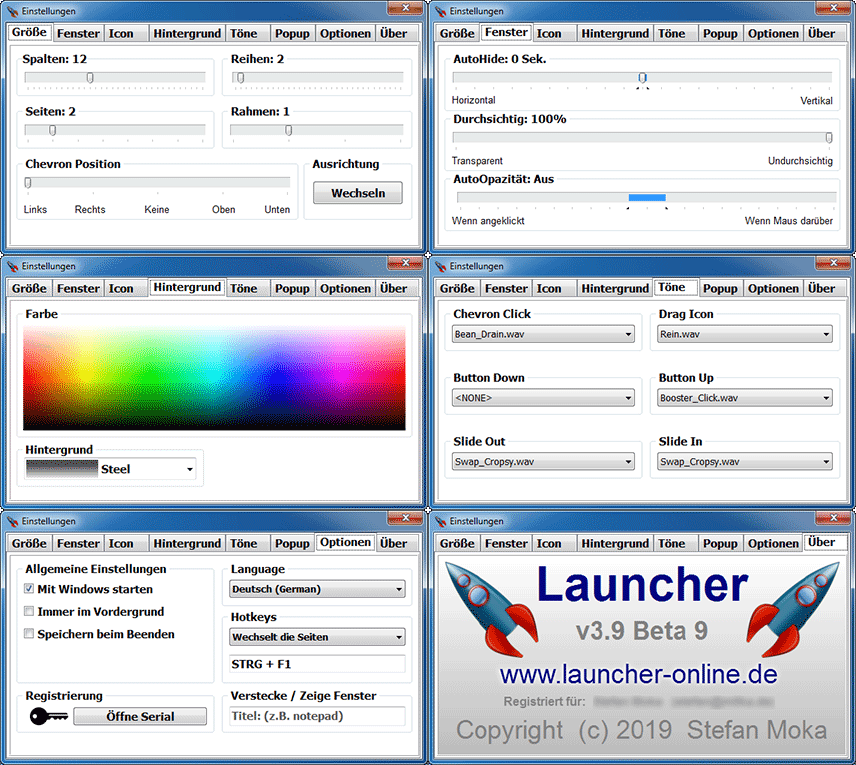
Various settings are available.
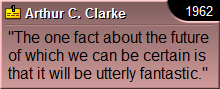
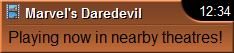
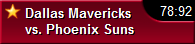
Freely configurable popup windows for every occasion:
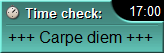
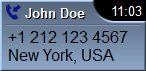
Display of an incoming call, optionally with
reverse lookup of the number. (FritzBox only)
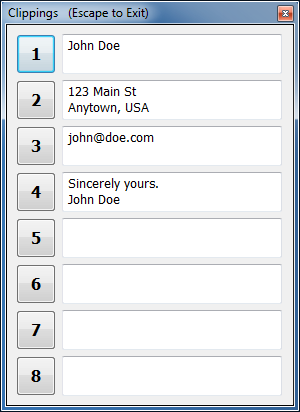
Easy insertion of frequently used text snippets:
When creating the Launcher, I drew great inspiration from
the following programs, both visually and functionally:

ControlStrip (Apple OS9)

ToolManager 2.1 (Amiga OS3.0)
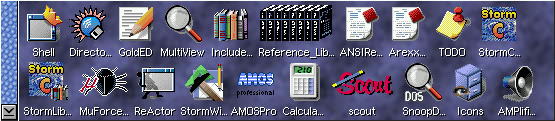
AmiDock (Amiga OS3.9)